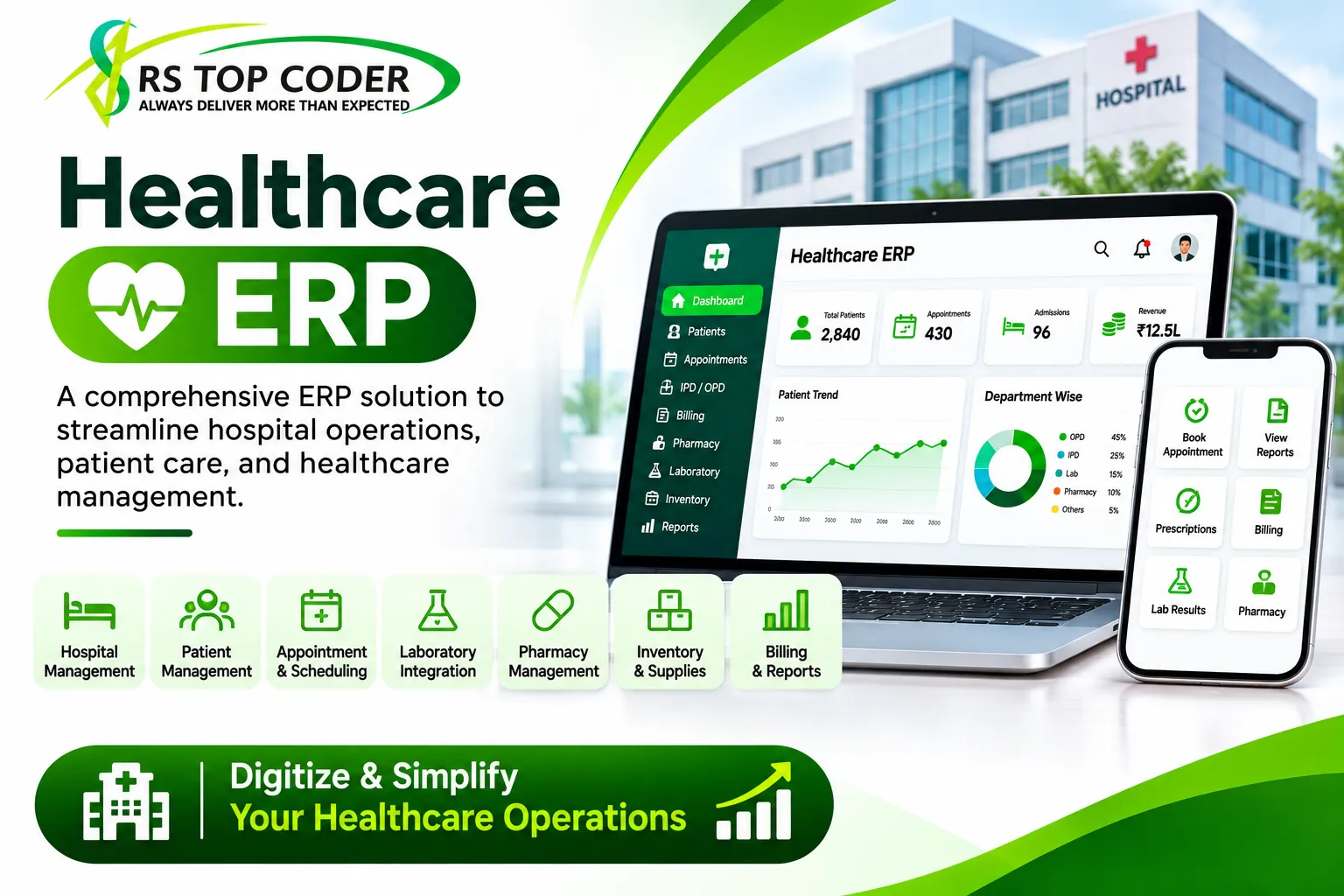
Product overview
What Construction ERP delivers
Comprehensive software modules designed for erp software operations.
What Is Construction ERP
Construction ERP is a software category tailored to project-centric businesses that must coordinate estimates, BOQs, procurement, site expenses, subcontractor bills, and progress billing across multiple jobs simultaneously. Contractors and developers adopt it when cost overruns, material pilferage, and delayed client invoices stem from poor visibility between site and head office.
Construction firms choose Construction ERP to tie every purchase and labor entry to a project work breakdown structure, enabling real-time budget versus actual tracking by stage. The category supports retention, RA bills, variation orders, and equipment utilization models that generic ERP products handle poorly without extensive customization.
General contractors, civil infrastructure firms, interior fit-out companies, MEP contractors, and real estate developers evaluate Construction ERP when concurrent project count and subcontractor volume increase. EPC and industrial construction players also rely on this category for long-cycle job costing and compliance documentation.
Operational Scope
Teams typically configure Construction ERP around master data, approval paths, role permissions, and reporting cadences that mirror how ERP Software buyers operate day to day. Core capabilities such as Estimation & BOQ, Project Planning & WBS, Site Procurement & Stores, Subcontractor Management are phased during rollout so departments adopt structured workflows without disrupting customer-facing commitments. Leadership gains consolidated visibility while functional teams retain controls suited to their responsibilities.
When Organizations Evaluate Construction ERP
Organizations begin formal evaluation when site material issues are recorded late, obscuring true consumption against boq quantities; subcontractor measurements and ra bills are disputed due to missing linkage with daily progress; head office lacks consolidated view of cash flow, retention, and receivables across projects. These signals often appear after growth in users, locations, transaction volume, or compliance obligations. At that stage, patching spreadsheets or bolting on isolated tools costs more than implementing a category-aligned platform with clear ownership and integration standards.
Key Business Challenges
Before adopting Construction ERP, many organizations struggle with process fragmentation and inconsistent data. Common issues include:
- Site material issues are recorded late, obscuring true consumption against BOQ quantities.
- Subcontractor measurements and RA bills are disputed due to missing linkage with daily progress.
- Head office lacks consolidated view of cash flow, retention, and receivables across projects.
- Equipment hire and idle time costs are allocated manually with inconsistent methods.
- Variation orders and client approvals are tracked offline, delaying billing and margin recognition.
Left unaddressed, these operational gaps slow decision-making, increase rework, and make it harder to hold teams accountable for service levels or financial outcomes. Stakeholders across finance, operations, and customer-facing functions feel the impact through delayed reports, disputed numbers, and manual follow-ups that should be automated within Construction ERP. A structured software category addresses root causes rather than symptoms.
Business Benefits
When implemented with clear scope and ownership, Construction ERP can deliver measurable improvements across operations and management visibility:
- Links procurement, inventory, and expenses directly to project phases and cost heads.
- Improves BOQ-based planning with indent controls and excess purchase alerts.
- Automates RA bill preparation with measurement sheets and retention calculations.
- Tracks subcontractor agreements, advances, deductions, and final settlements transparently.
- Provides project dashboards for cost variance, billing pipeline, and completion percentage.
- Supports multi-site inventory with transfer and return workflows to reduce wastage.
- Strengthens audit trails for client submissions, tax invoices, and vendor payments.
- Scales from single-region contractors to multi-state developers with role-based site access.
Measured over quarters rather than weeks, investments in Construction ERP Software often show improvements in links procurement, inventory, and expenses directly to project phases and cost heads; improves boq-based planning with indent controls and excess purchase alerts; automates ra bill preparation with measurement sheets and retention calculations. Organizations with executive sponsorship, clean master data, and phased training typically see faster adoption and fewer rollback requests. The category also creates a foundation for analytics, automation, and integration projects that would be expensive to layer onto disconnected tools.
Core Modules
The following modules are commonly configured within Construction ERP implementations. RS Top Coder tailors module depth, approvals, and integrations based on your ERP Software requirements:
- Estimation & BOQ — Builds detailed BOQs with rate analysis, revisions, and comparison against awarded contracts.
- Project Planning & WBS — Defines work breakdown structures, milestones, and budget baselines per job.
- Site Procurement & Stores — Manages indents, POs, GRN, and site issues with project and cost head tagging.
- Subcontractor Management — Tracks work orders, measurements, bills, retention, and statutory deductions.
- Billing & RA Certificates — Generates running account bills, debit-credit notes, and client approval history.
- Equipment & Plant Tracking — Logs utilization, hire charges, fuel, and maintenance apportioned to projects.
- Site Expense & Petty Cash — Captures field expenses with receipt attachment and approval routing.
- Financial Integration — Posts project-wise P&L, WIP, and receivables into company accounts.
- Management Dashboards — Surfaces margin, cash burn, and completion metrics across the project portfolio.
Module depth is configured to match your operating model rather than enabling every feature on day one. RS Top Coder documents data flows between Estimation & BOQ, Project Planning & WBS, Site Procurement & Stores, Subcontractor Management, defines approval thresholds, and validates that each module produces the reports your managers rely on during daily and monthly reviews. Integrations with accounting, CRM, ERP components, payment gateways, HR systems, and custom APIs are scoped during discovery so duplicate entry is minimized from go-live.
Industries We Serve
Construction ERP is evaluated by organizations that need dependable software for daily execution and leadership oversight. RS Top Coder frequently supports:
- General Contracting — Building contractors managing residential and commercial jobs with multiple subcontractors.
- Infrastructure & EPC — Large civil projects requiring long-cycle costing and milestone billing.
- Interior & Fit-Out — Firms handling fast-turnover projects with material-intensive BOQs.
- MEP Contracting — Specialists tracking equipment, skilled labor, and sectional handovers.
- Real Estate Development — Developers coordinating contractor bills, land costs, and sales-linked cash flow.
- Industrial Construction — Plants and warehouses with engineered BOQs and vendor inspection requirements.
Regardless of sector, successful deployments align terminology, compliance needs, and KPI definitions with how teams already measure performance. RS Top Coder frequently supports organizations in General Contracting, Infrastructure & EPC, Interior & Fit-Out, MEP Contracting, adapting workflows while keeping the platform maintainable for internal administrators. Sector experience reduces rework during configuration and helps anticipate audit, integration, and reporting requirements early in the project.
Why Choose RS Top Coder
RS Top Coder implements Construction ERP around your contracting model—item rate, lump sum, or cost plus—with site teams involved in discovery from the start. We configure BOQ structures, RA workflows, and mobile-friendly site capture so head office receives timely data without burdening foremen with complex screens.
Implementation Methodology
RS Top Coder follows a structured delivery path: discovery workshops, process mapping, solution design, iterative configuration, integration testing, user acceptance, and phased go-live. We document assumptions, migration rules, and rollback plans so stakeholders know what happens at each milestone. Training materials and admin guides are tailored to roles rather than delivering generic manuals that teams rarely use.
Post-Launch Support
After launch, our team supports performance tuning, new branch or department onboarding, additional integrations, and reporting changes as your business evolves. Issue triage, enhancement backlogs, and release planning are handled transparently so internal IT and business owners share the same roadmap. This ongoing partnership keeps Construction ERP aligned with operational reality instead of freezing at initial configuration.
Product lineup
17 modules in this catalog
01
Estimation & BOQ Management
9 features
02
Project Planning & WBS
9 features
03
Site Procurement & Stores
9 features
04
Subcontractor Management
9 features
05
RA Billing & Client Certificates
9 features
06
Equipment & Plant Tracking
9 features
07
Site Expense & Petty Cash
9 features
08
Construction Financial Integration
9 features
09
Variation Order Management
9 features
10
Daily Progress Reporting
9 features
11
Quality & Safety Inspections
9 features
12
Drawing & Document Control
9 features
13
Tender & Bid Management
9 features
14
Cash Flow & Fund Planning
9 features
15
Material Testing & Lab Results
9 features
16
Client Portal & Progress Visibility
9 features
17
Portfolio Management Dashboards
9 features
Full catalog
Product modules & capabilities
Expand each product to review its feature set.
01 Estimation & BOQ Management Builds detailed bills of quantities with rate analysis, revisions, and comparison against awarded contracts. Estimators import standard rate libraries and adjust for site conditions before tender submission. Version control preserves tender assumptions for post-award review. The capability integrates with adjacent ERP functions and maintains records suitable for operational review, audit, and.
02 Project Planning & WBS Defines work breakdown structures, milestones, and budget baselines per construction job. Project managers align WBS cost heads with BOQ items for integrated tracking. Baseline changes require approved change requests. The capability integrates with adjacent ERP functions and maintains records suitable for operational review, audit, and cross-department coordination.
03 Site Procurement & Stores Manages indents, purchase orders, GRN, and site issues tagged to project and WBS cost heads. Site engineers approve material receipts with quantity and quality notes. Excess indent alerts compare cumulative issues to BOQ allowances. The capability integrates with adjacent ERP functions and maintains records suitable for operational review, audit, and cross-department coordination.
04 Subcontractor Management Tracks work orders, measurements, running bills, retention, and statutory deductions for subcontractors. Quantity surveyors record measurements with photo evidence where required. Final settlements reconcile advances and holdbacks. The capability integrates with adjacent ERP functions and maintains records suitable for operational review, audit, and cross-department coordination.
05 RA Billing & Client Certificates Generates running account bills, debit-credit notes, and client approval history with retention calculations. Billing engineers link RA lines to measurement sheets and contract rates. Clients receive structured billing packs with supporting abstracts. The capability integrates with adjacent ERP functions and maintains records suitable for operational review, audit, and cross-department.
06 Equipment & Plant Tracking Logs owned and hired equipment utilization, fuel, hire charges, and maintenance apportioned to projects. Site planners schedule equipment moves between jobs minimizing idle cost. Breakdown history informs hire versus own decisions. The capability integrates with adjacent ERP functions and maintains records suitable for operational review, audit, and cross-department coordination.
07 Site Expense & Petty Cash Captures field expenses with receipt attachment and approval routing to project cost heads. Site accountants reconcile petty cash imprest weekly. Policy violations flag non-reimbursable categories at entry. The capability integrates with adjacent ERP functions and maintains records suitable for operational review, audit, and cross-department coordination.
08 Construction Financial Integration Posts project-wise P&L, WIP, receivables, and payables into company accounts with consolidation rules. Controllers review unbilled revenue and cost accruals at period end. Inter-project transfers follow defined accounting policies. The capability integrates with adjacent ERP functions and maintains records suitable for operational review, audit, and cross-department coordination.
09 Variation Order Management Documents client and internal variations with priced impact on BOQ and schedule before execution approval. Project directors negotiate variation rates with documented correspondence links. Approved variations feed RA billing automatically. The capability integrates with adjacent ERP functions and maintains records suitable for operational review, audit, and cross-department coordination.
10 Daily Progress Reporting Site engineers record manpower, activity completion, and constraints daily for head office visibility. Planning teams compare progress to baseline schedule and reforecast finish dates. Delay reasons categorize for claim documentation. The capability integrates with adjacent ERP functions and maintains records suitable for operational review, audit, and cross-department coordination.
11 Quality & Safety Inspections Schedules hold-point inspections with checklists, non-conformance logs, and corrective actions by trade. Safety officers record incidents and toolbox talk attendance. Client consultants receive inspection summaries when required. The capability integrates with adjacent ERP functions and maintains records suitable for operational review, audit, and cross-department coordination.
12 Drawing & Document Control Maintains revision-controlled drawings, approvals, and transmittals accessible to site and office teams. Superseded drawings withdraw from field use automatically. RFI logs track design clarifications affecting cost or time. The capability integrates with adjacent ERP functions and maintains records suitable for operational review, audit, and cross-department coordination.
13 Tender & Bid Management Supports bid/no-bid decisions, resource loading, and submission document assembly for new projects. Commercial teams compare historical rates to current quotes for margin protection. Lost bid analysis feeds future estimating accuracy. The capability integrates with adjacent ERP functions and maintains records suitable for operational review, audit, and cross-department coordination.
14 Cash Flow & Fund Planning Forecasts project inflows from RA billing and outflows from procurement and subcontract commitments. Treasury allocates group cash to projects facing temporary shortfalls. Scenario views stress-test client payment delays. The capability integrates with adjacent ERP functions and maintains records suitable for operational review, audit, and cross-department coordination.
15 Material Testing & Lab Results Links concrete, soil, and material test results to WBS locations with pass-fail hold on subsequent work. QA engineers attach third-party lab certificates to permanent records. Failed tests trigger rework workflows and cost tracking. The capability integrates with adjacent ERP functions and maintains records suitable for operational review, audit, and cross-department coordination.
16 Client Portal & Progress Visibility Provides clients selected views of billing status, milestones, and approved drawings through secure access. Reduces email traffic by centralizing approved communications. Access logs support dispute resolution on information shared. The capability integrates with adjacent ERP functions and maintains records suitable for operational review, audit, and cross-department coordination.
17 Portfolio Management Dashboards Surfaces margin, cash burn, completion percentage, and risk flags across concurrent projects. Leadership prioritizes management attention on troubled jobs from exception ranking. Drill-down links to project transactional detail. The capability integrates with adjacent ERP functions and maintains records suitable for operational review, audit, and cross-department coordination.
FAQs
Common questions about Construction ERP
What is Construction ERP and who should use it?
Construction ERP is a software category built for contractors and developers who manage projects, BOQs, site procurement, subcontractor bills, and client RA certificates in parallel. It suits firms that have outgrown spreadsheet tracking and need project-wise budget control, billing discipline, and consolidated cash visibility. SMEs running several concurrent sites and larger EPC players standardizing across regions both benefit when material leakage or delayed invoicing affects margins.
How does Construction ERP improve project profitability?
Construction ERP ties purchases, issues, labor, equipment, and subcontractor payments to project cost heads in near real time. Managers see variance against BOQ early, challenge excess indents, and accelerate RA billing with documented measurements. Retention and variation orders stay linked to contracts, reducing disputes and unbilled work. Leadership gains portfolio-level margin and cash flow views instead of waiting for month-end manual consolidation from site registers.
Can site teams use Construction ERP on mobile devices?
Yes. Modern Construction ERP rollouts include mobile capture for daily progress, material receipts, petty expenses, and photo attachments. RS Top Coder designs lightweight site screens with offline-tolerant flows where connectivity is weak, syncing to head office when networks allow. That improves data timeliness without forcing site staff through full desktop modules designed for accounts teams alone.
Why choose RS Top Coder for Construction ERP?
RS Top Coder delivers Construction ERP Software with construction-savvy analysts who understand BOQ, RA billing, and subcontractor workflows. We phase rollout by project type, migrate opening WIP balances carefully, and train site engineers alongside finance staff. Ongoing support covers new project templates, approval changes, and integrations with accounting platforms your auditors already trust.
Explore further
Related pages
Evaluate Construction ERP for your team
Schedule a walkthrough tailored to your workflows, integrations, and rollout timeline.
Book a product demo