Product overview
What Workflow Automation Software delivers
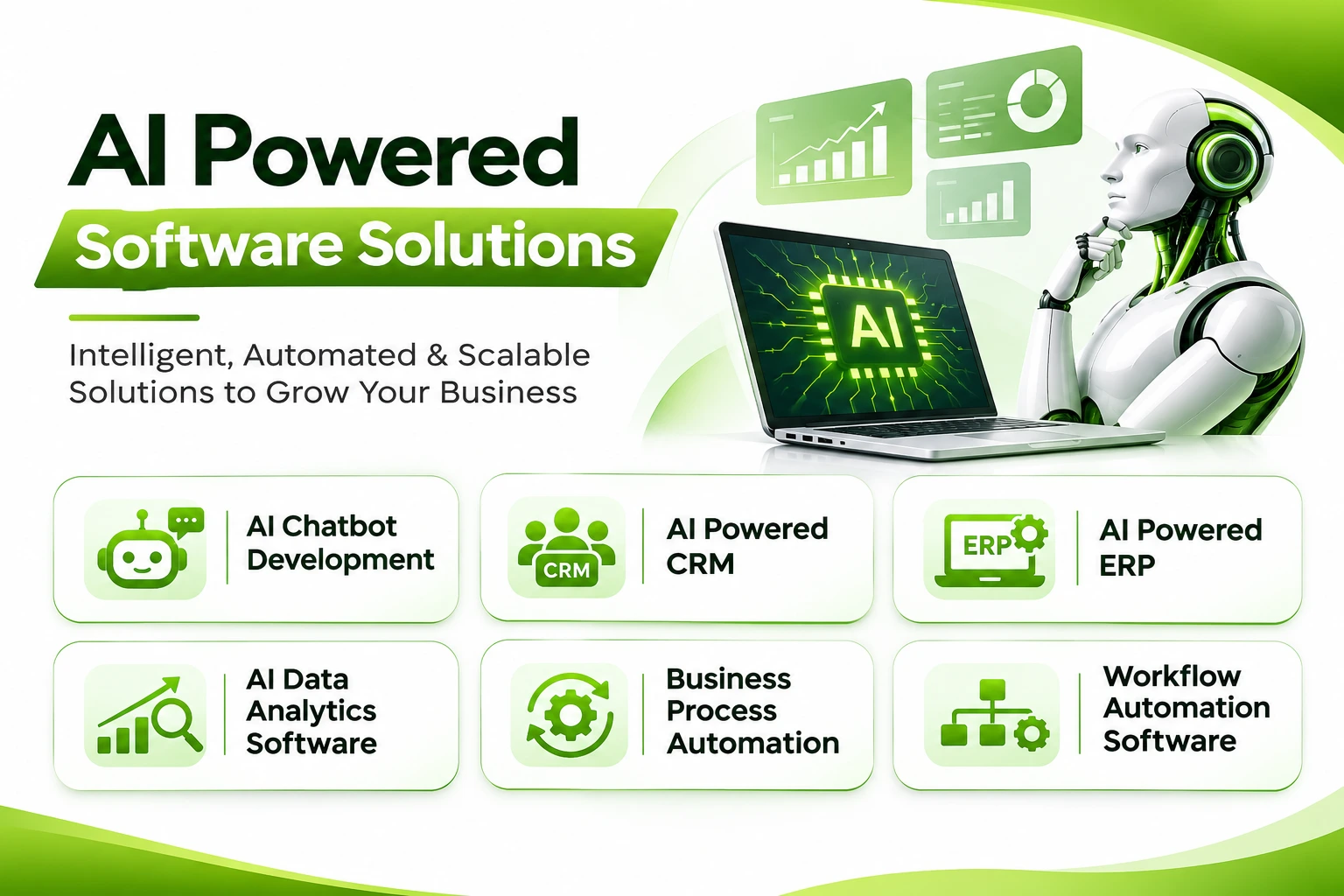
Comprehensive software modules designed for ai-powered software solutions operations.
What Is Workflow Automation Software
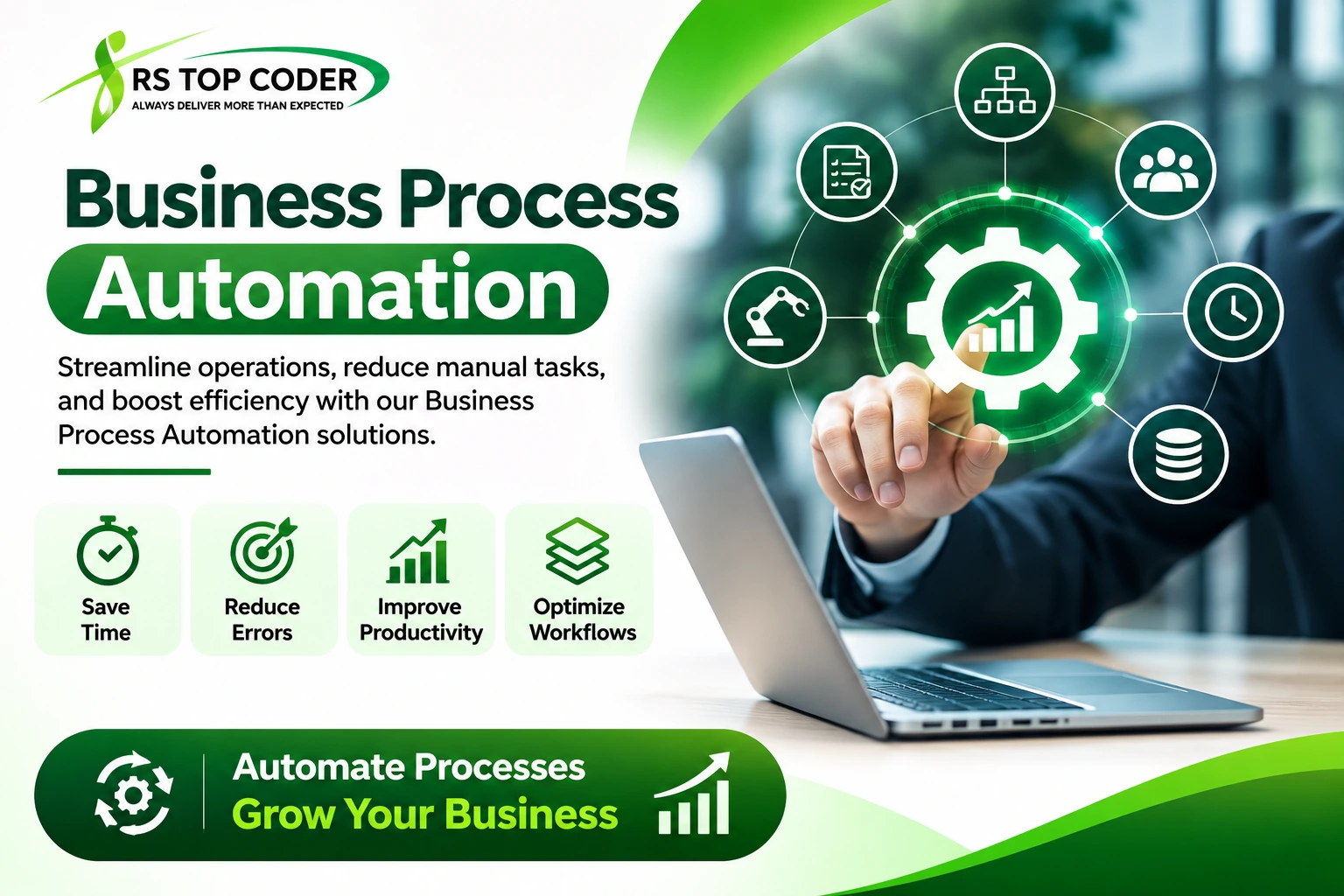
Workflow Automation Software is a software category orchestrating multi-step business processes—approvals, notifications, data updates, and integrations—across departments with visual designers, rules engines, and audit trails. Teams adopt workflow automation when email chains and spreadsheet trackers lose tasks, delay decisions, and provide no compliance evidence.
Organizations choose Workflow Automation Software to standardize repeatable processes, enforce SLAs, reduce manual rekeying between systems, and give leaders real-time visibility into bottlenecks. The category spans HR onboarding, capex approvals, purchase requests, contract reviews, and IT access provisioning when configured with appropriate governance.
Enterprises, mid-market manufacturers, services firms, healthcare administration, and education back-offices evaluate Workflow Automation when process volume and audit requirements exceed informal coordination. Regulated industries favor platforms with logging and segregation of duties.
Operational Scope
Teams typically configure Workflow Automation Software around master data, approval paths, role permissions, and reporting cadences that mirror how AI-Powered Software Solutions buyers operate day to day. Core capabilities such as Visual Process Designer, Dynamic Forms & Data Capture, Rules & SLA Engine, Integration Connectors are phased during rollout so departments adopt structured workflows without disrupting customer-facing commitments. Leadership gains consolidated visibility while functional teams retain controls suited to their responsibilities.
When Organizations Evaluate Workflow Automation Software
Organizations begin formal evaluation when approvals stall when delegates and escalation paths are undefined; staff retype data between erp, crm, and email attachments daily; process versions differ by department, confusing audits and training. These signals often appear after growth in users, locations, transaction volume, or compliance obligations. At that stage, patching spreadsheets or bolting on isolated tools costs more than implementing a category-aligned platform with clear ownership and integration standards.
Key Business Challenges
Before adopting Workflow Automation Software, many organizations struggle with process fragmentation and inconsistent data. Common issues include:
- Approvals stall when delegates and escalation paths are undefined.
- Staff retype data between ERP, CRM, and email attachments daily.
- Process versions differ by department, confusing audits and training.
- Citizen-developed automations break silently without monitoring or ownership.
- Leadership cannot see cycle times or rejection reasons aggregated.
Left unaddressed, these operational gaps slow decision-making, increase rework, and make it harder to hold teams accountable for service levels or financial outcomes. Stakeholders across finance, operations, and customer-facing functions feel the impact through delayed reports, disputed numbers, and manual follow-ups that should be automated within Workflow Automation Software. A structured software category addresses root causes rather than symptoms.
Business Benefits
When implemented with clear scope and ownership, Workflow Automation Software can deliver measurable improvements across operations and management visibility:
- Models processes visually with forms, branches, parallel paths, and timers.
- Routes tasks to roles, managers, or groups with delegation and SLAs.
- Integrates APIs to create or update ERP, CRM, HR, and ticket records automatically.
- Attaches documents and captures e-signatures within flow context.
- Logs every action with timestamps for compliance and dispute resolution.
- Notifies stakeholders via email, Slack, Teams, or SMS on events.
- Provides dashboards on cycle time, backlog, and bottleneck steps.
- Versions workflows with change control suitable to IT governance councils.
Measured over quarters rather than weeks, investments in Workflow Automation Software often show improvements in models processes visually with forms, branches, parallel paths, and timers; routes tasks to roles, managers, or groups with delegation and slas; integrates apis to create or update erp, crm, hr, and ticket records automatically. Organizations with executive sponsorship, clean master data, and phased training typically see faster adoption and fewer rollback requests. The category also creates a foundation for analytics, automation, and integration projects that would be expensive to layer onto disconnected tools.
Core Modules
The following modules are commonly configured within Workflow Automation Software implementations. RS Top Coder tailors module depth, approvals, and integrations based on your AI-Powered Software Solutions requirements:
- Visual Process Designer — Builds flows with drag-drop steps, conditions, and reusable subflows.
- Dynamic Forms & Data Capture — Collects structured inputs with validations and role-based field visibility.
- Rules & SLA Engine — Applies timers, escalations, and business rules without custom code per tweak.
- Integration Connectors — Calls REST, SOAP, webhooks, and database operations with retry policies.
- Task Inbox & Mobile Approvals — Surfaces pending actions with one-tap approve, reject, or request info.
- Document & E-Sign Hooks — Stores attachments and triggers signature providers within workflows.
- Monitoring & Error Handling — Alerts ops on failed integrations with replay and dead-letter queues.
- Analytics & Process Mining Lite — Reports throughput, SLA breaches, and step-level dwell times.
Module depth is configured to match your operating model rather than enabling every feature on day one. RS Top Coder documents data flows between Visual Process Designer, Dynamic Forms & Data Capture, Rules & SLA Engine, Integration Connectors, defines approval thresholds, and validates that each module produces the reports your managers rely on during daily and monthly reviews. Integrations with accounting, CRM, ERP components, payment gateways, HR systems, and custom APIs are scoped during discovery so duplicate entry is minimized from go-live.
Industries We Serve
Workflow Automation Software is evaluated by organizations that need dependable software for daily execution and leadership oversight. RS Top Coder frequently supports:
- Corporate Enterprises — Shared services automating capex, procurement, and HR requests.
- Manufacturing Operations — Plants routing quality deviations and maintenance approvals digitally.
- Professional Services — Firms orchestrating project approvals and client onboarding checklists.
- Healthcare Administration — Non-clinical workflows for credentials, purchasing, and facilities.
- Education Institutions — Schools automating leave, purchase, and IT access requests.
- Financial & Regulated Firms — Organizations needing segregation of duties and immutable logs.
Regardless of sector, successful deployments align terminology, compliance needs, and KPI definitions with how teams already measure performance. RS Top Coder frequently supports organizations in Corporate Enterprises, Manufacturing Operations, Professional Services, Healthcare Administration, adapting workflows while keeping the platform maintainable for internal administrators. Sector experience reduces rework during configuration and helps anticipate audit, integration, and reporting requirements early in the project.
Why Choose RS Top Coder
RS Top Coder implements Workflow Automation Software on processes with measurable cycle time pain—not automating broken workflows without redesign workshops first. We integrate securely to systems of record, add monitoring from day one, and train process owners to iterate flows without waiting for developer tickets for every policy tweak.
Implementation Methodology
RS Top Coder follows a structured delivery path: discovery workshops, process mapping, solution design, iterative configuration, integration testing, user acceptance, and phased go-live. We document assumptions, migration rules, and rollback plans so stakeholders know what happens at each milestone. Training materials and admin guides are tailored to roles rather than delivering generic manuals that teams rarely use.
Post-Launch Support
After launch, our team supports performance tuning, new branch or department onboarding, additional integrations, and reporting changes as your business evolves. Issue triage, enhancement backlogs, and release planning are handled transparently so internal IT and business owners share the same roadmap. This ongoing partnership keeps Workflow Automation Software aligned with operational reality instead of freezing at initial configuration.
Product lineup
17 modules in this catalog
01
Visual Process Designer
9 features
02
Dynamic Form Builder
9 features
03
Rules and SLA Engine
9 features
04
Integration Connector Hub
9 features
05
Task Inbox and Approvals
9 features
06
Document Workflow Module
9 features
07
E-Sign Orchestration
9 features
08
Notification Engine
9 features
09
Process Version Control
9 features
10
Error Handling and Retry
9 features
11
Delegation Management
9 features
12
Parallel and Subflow Orchestration
9 features
13
Mobile Approval Module
9 features
14
Process Analytics
9 features
15
API Trigger Gateway
9 features
16
Conditional Branching Engine
9 features
17
Audit Trail Repository
9 features
Full catalog
Product modules & capabilities
Expand each product to review its feature set.
01 Visual Process Designer Provides a drag-and-drop canvas to model business processes with sequential steps, parallel branches, timers, and integration nodes. Process analysts and citizen developers document workflows visually before publishing to execution engines used by operations teams daily. It supports audit trails, role-based access, and integration with adjacent systems so teams can deploy the capability without.
02 Dynamic Form Builder Creates data capture forms attached to workflow steps with validations, conditional visibility, and role-based field access. Business teams update forms as policies change without developer involvement for layout and validation rule adjustments. It supports audit trails, role-based access, and integration with adjacent systems so teams can deploy the capability without disrupting established.
03 Rules and SLA Engine Evaluates business rules, escalation timers, and service level agreements during workflow execution. Operations managers configure deadlines, reminders, and automatic escalations when tasks remain incomplete beyond policy thresholds. It supports audit trails, role-based access, and integration with adjacent systems so teams can deploy the capability without disrupting established operational.
04 Integration Connector Hub Connects workflows to REST APIs, databases, message queues, and enterprise applications through configurable connectors with retry policies. Integration developers publish reusable connectors process designers invoke from workflow steps without custom code per process. It supports audit trails, role-based access, and integration with adjacent systems so teams can deploy the capability without.
05 Task Inbox and Approvals Presents assignees unified inboxes of pending workflow tasks with approve, reject, delegate, and request-info actions. Managers process high volumes of approvals efficiently on desktop and mobile without navigating disparate system screens. It supports audit trails, role-based access, and integration with adjacent systems so teams can deploy the capability without disrupting established.
06 Document Workflow Module Routes documents through review, approval, and archival steps with version control and access permissions. Legal, procurement, and HR teams manage document-centric processes where file content is the primary workflow artifact. It supports audit trails, role-based access, and integration with adjacent systems so teams can deploy the capability without disrupting established operational controls.
07 E-Sign Orchestration Coordinates electronic signature requests within workflows, tracking signer order, reminders, and completion callbacks. Contract and HR teams automate signature collection without manually uploading files to separate e-sign portals. It supports audit trails, role-based access, and integration with adjacent systems so teams can deploy the capability without disrupting established operational.
08 Notification Engine Delivers workflow events through email, SMS, Slack, Microsoft Teams, and in-app channels using configurable templates. Communications teams standardize messaging while process owners control which events trigger notifications per workflow. It supports audit trails, role-based access, and integration with adjacent systems so teams can deploy the capability without disrupting established.
09 Process Version Control Manages lifecycle of workflow definition changes with draft, test, and production states plus migration rules for in-flight instances. IT governance ensures process updates deploy in controlled manner without stranding running cases. It supports audit trails, role-based access, and integration with adjacent systems so teams can deploy the capability without disrupting established operational.
10 Error Handling and Retry Manages failed workflow steps with automatic retries, compensating actions, and administrator intervention queues. Operations teams resolve integration and system failures without losing process state or requiring initiators to restart requests. It supports audit trails, role-based access, and integration with adjacent systems so teams can deploy the capability without disrupting established.
11 Delegation Management Configures temporary and permanent task delegation rules between users during leave, role transitions, or workload balancing. HR and managers ensure approvals continue without bottlenecks when primary assignees are unavailable. It supports audit trails, role-based access, and integration with adjacent systems so teams can deploy the capability without disrupting established operational controls.
12 Parallel and Subflow Orchestration Executes concurrent workflow branches and embeds reusable subflows within parent processes. Complex approvals spanning multiple departments complete faster when independent tracks run simultaneously and common patterns reuse shared subflow definitions. It supports audit trails, role-based access, and integration with adjacent systems so teams can deploy the capability without disrupting.
13 Mobile Approval Module Delivers workflow task actions through native and progressive web mobile experiences with offline-tolerant read access where configured. Executives and field managers approve time-sensitive requests without returning to desktop environments. It supports audit trails, role-based access, and integration with adjacent systems so teams can deploy the capability without disrupting established.
14 Process Analytics Measures workflow throughput, step dwell times, bottleneck frequency, and SLA compliance across process portfolios. Process owners prioritize redesign investments using quantitative evidence rather than anecdotal complaints about slow approvals. It supports audit trails, role-based access, and integration with adjacent systems so teams can deploy the capability without disrupting established.
15 API Trigger Gateway Exposes secure REST endpoints that external systems invoke to start workflow instances or advance steps programmatically. IT teams integrate ecommerce, HR, and custom applications with workflow automation without polling internal databases. It supports audit trails, role-based access, and integration with adjacent systems so teams can deploy the capability without disrupting established.
16 Conditional Branching Engine Evaluates complex decision logic combining form data, integration results, role membership, and business calendars at runtime. Process designers express sophisticated routing rules without embedding fragile custom scripts in each workflow. It supports audit trails, role-based access, and integration with adjacent systems so teams can deploy the capability without disrupting established.
17 Audit Trail Repository Stores immutable records of workflow actions, field changes, approvals, and system events for compliance and dispute resolution. Auditors and legal teams reconstruct process histories without relying on scattered email threads or verbal recollection. It supports audit trails, role-based access, and integration with adjacent systems so teams can deploy the capability without disrupting established.
FAQs
Common questions about Workflow Automation Software
What is Workflow Automation Software and who should use it?
Workflow Automation Software is a category for designing and running multi-step business processes with forms, approvals, notifications, and system integrations plus audit logs. Organizations use it when email-based coordination loses tasks and compliance evidence. Mid-market and enterprise teams automating procurement, HR, finance, and IT requests commonly evaluate workflow platforms integrated to ERP and CRM rather than isolated task apps without enterprise governance.
How is workflow automation different from RPA alone?
Workflow automation orchestrates human decisions, policies, and integrations in structured flows with inboxes and SLAs. RPA often mimics UI clicks on legacy apps without changing process design. RS Top Coder combines both when appropriate—API-first integrations preferred, RPA where APIs absent—but starts with workflow clarity so bots do not automate chaos faster. Long-term maintainability favors explicit process models stakeholders can read.
Can non-technical staff maintain workflows after launch?
Yes, with governance. Workflow Automation Software enables certified process owners to adjust forms, routing, and notifications within guardrails IT defines—environments, testing, promotion. RS Top Coder documents ownership, trains admins, and implements version control preventing untested flows reaching production. Citizen development without governance creates fragile automations; we balance agility with change control appropriate to your industry.
Why choose RS Top Coder for Workflow Automation Software?
RS Top Coder delivers workflow programs with process discovery, integration engineering, and adoption coaching—not only tool licenses. We measure cycle time reduction and error rate improvements post go-live, expand to adjacent processes when ROI proves, and maintain monitoring so failed integrations surface before approvers notice missing ERP postings.
Explore further
Related pages
Evaluate Workflow Automation Software for your team
Schedule a walkthrough tailored to your workflows, integrations, and rollout timeline.
Book a product demo